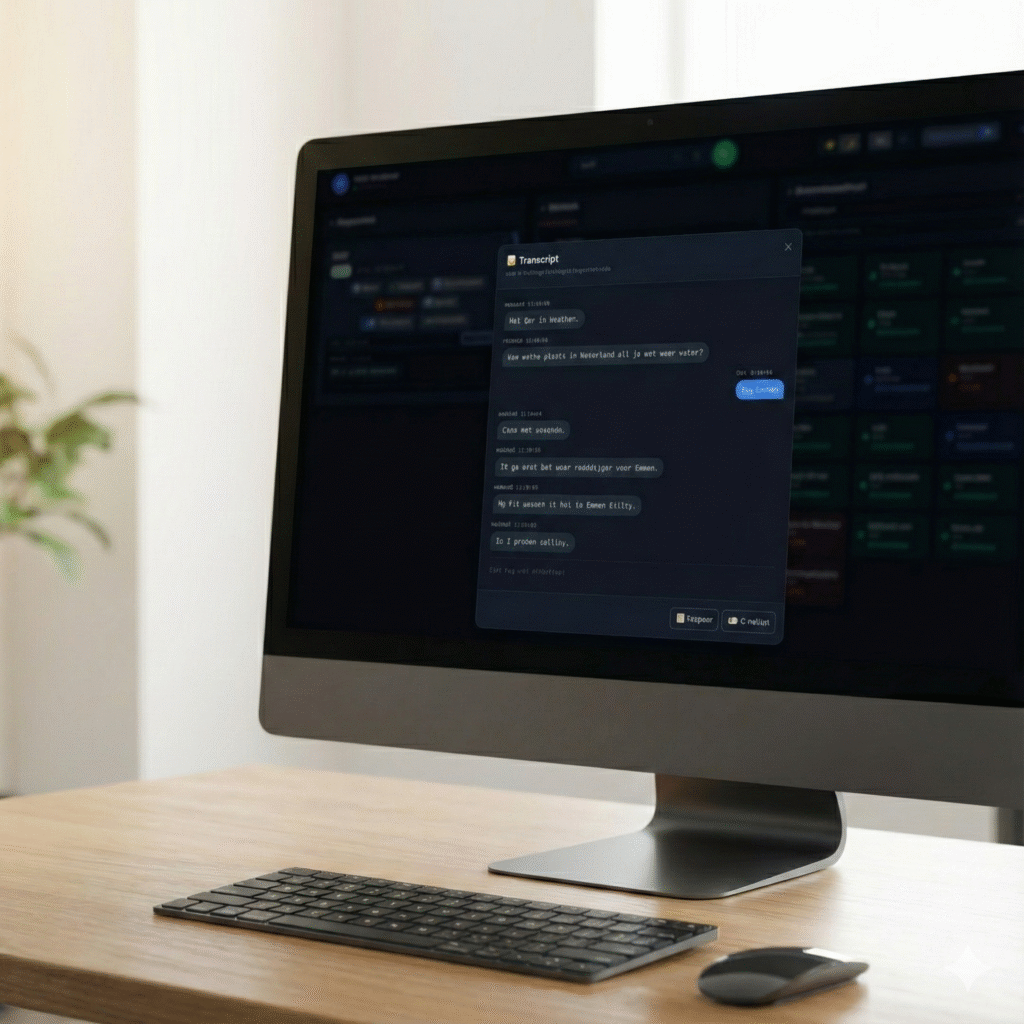
Phone calls hold some of the most valuable information in a business — and most of it is lost the moment you hang up. With live AI transcription in WebRTC Client the conversation appears as text while you talk, so you always know what was discussed, without taking notes.
How it works
- One toggle per call — switch Transcription on in the call card of the calls panel.
- Live — text appears in real time, with both sides of the call labelled and timestamped.
- Afterwards — the transcript is available with the call, ready to read back.
- Live assist and AI assistant — switch on AI support for the same call with the Live assist and Assistant toggles.
- Voicebot calls too — conversations handled by an AI voicebot show their transcript live.
Live call translation (beta)
Talking to a customer who speaks another language? Switch on live translation and the translated text appears right next to each speaker's transcript — for both what you say and what you hear.
- Both directions — incoming and outgoing audio are translated live during the call.
- Your language and theirs — set a default language for yourself and for the customer, and switch languages during the call when needed.
- Separate language settings for your microphone and for the remote party.
- Saved with the call — translated text is stored together with the call transcript.
- Controlled by the administrator — per tenant or user you decide whether translation is shown and can be used.
Optional and under your control
Transcription and translation are optional. Administrators decide per tenant which users and teams may use it, with policies. We design the AI features to:
- make it clear to the user when transcription is active;
- keep transcripts within the tenant that owns them;
- let administrators set retention periods;
- support the GDPR obligations of European businesses.
Why in the browser?
Because WebRTC Client already handles the audio in the browser, transcription needs no extra hardware, recording integrations or PBX changes. It works with Asterisk, FreePBX, VitalPBX, MirtaPBX and every other compatible system.