Easily connect your existing phone system and start dialing. WebRTC Client is designed for placing and receiving calls in your favourite web browser — Chrome, Edge, Firefox or Safari — without installing additional software. In a few steps you connect your Asterisk, FreePBX or other phone system and your team can call from the browser.
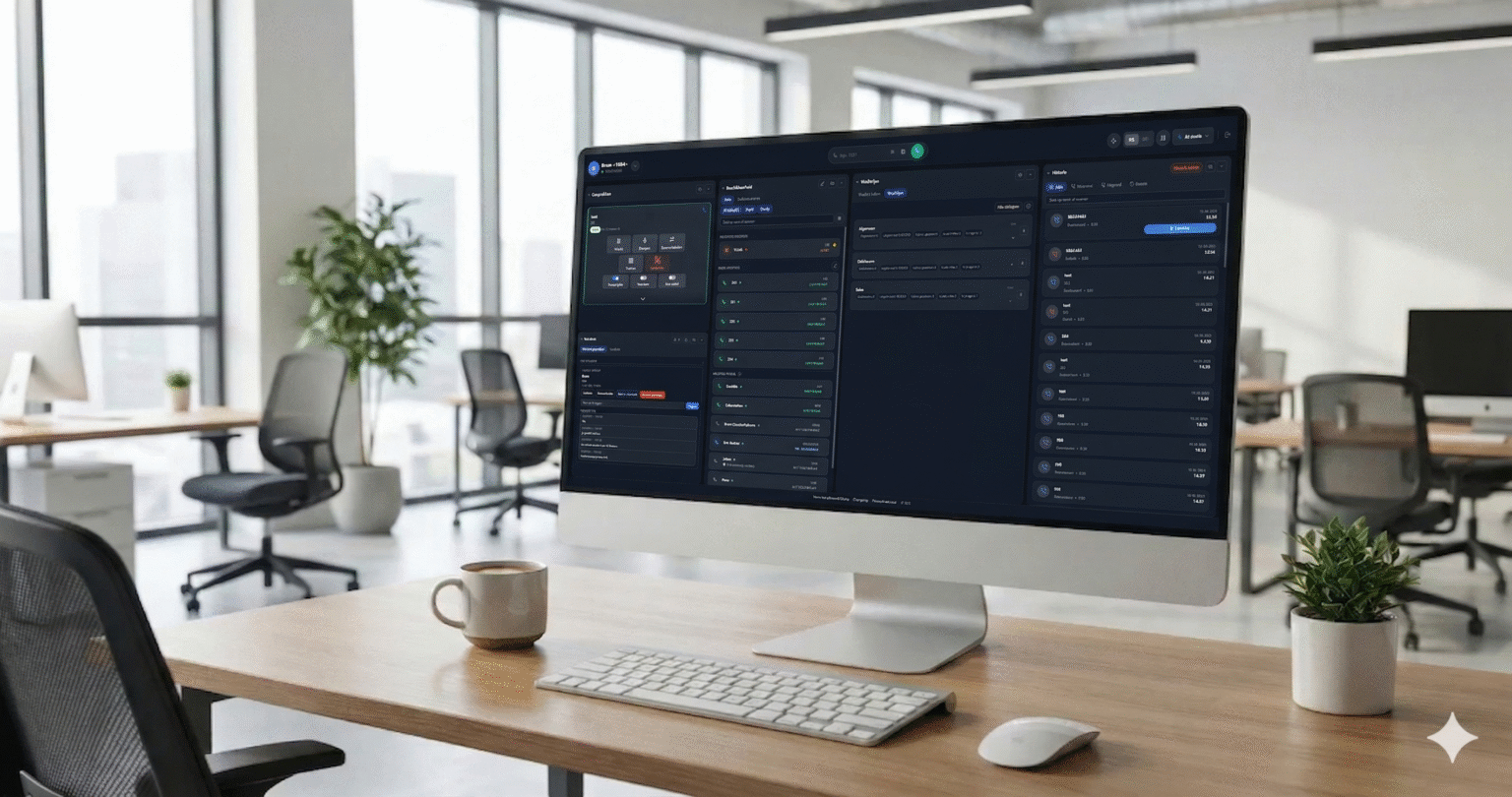
Why businesses choose WebRTC Client
Keep what you have
Keep your existing PBX, telephony provider, desk phones and integrations. WebRTC Client simply adds a browser extension of your phone system.
Quick to deploy
Connect your PBX websocket, add users with their e-mail address and they are ready to call. No software rollout.
Low cost, no upfront investment
Low licensing cost per user and no hardware to buy. Ideal for remote workers and hybrid teams.
User-friendly
A clean interface with everything users expect from a desk phone — and nothing they need to configure.
Perfect for
- Remote and hybrid teams — call from home with the same extension, buttons and phonebook as in the office.
- Hot desks and flex workers — sign in on any computer; settings follow the user.
- Reception and customer service — BLF presence, transfers and a central phonebook at a glance.
- Companies leaving desktop softphones — no installs, updates or local settings to support. Read why.
How to get started
- Make sure your PBX has a secure websocket — see the integration guides.
- Add your PBX server and users in the management portal — see the quick start.
- Users sign in with their e-mail address and start calling.
Interested in WebRTC Client for your business?
The new version with multiple lines and live AI transcription is available in early access. Contact us to get started.