



New in WebRTC Client: multiple lines and live AI transcription
The new WebRTC Client adds multiple lines, live AI transcription, an AI assistant, voicebot monitoring and a queue overview — all in the browser.
New: multiple lines & live transcription
No desk phones, no installations. Call straight from Chrome, Edge, Firefox or Safari with multiple lines, live AI transcription and simple management — connected to the phone system you already run.
Get early access Explore features

It doesn't get easier
With WebRTC Client you work from anywhere as if you were at the office. Switch between calls, transfer, and work together with colleagues — all in one clear screen.
And thanks to live transcription you always know what was discussed, without taking notes.
Up and running quickly, instant overview
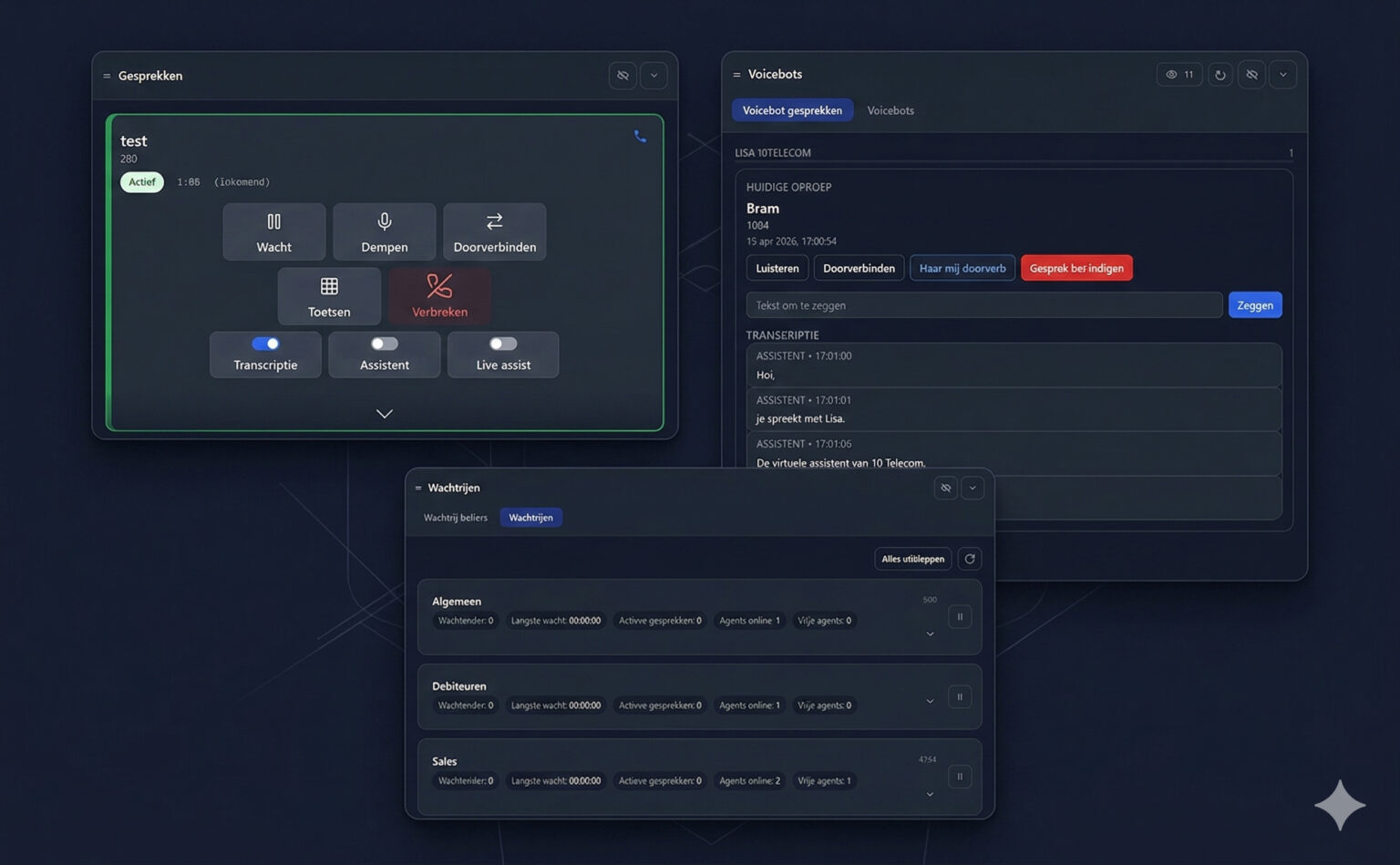
You're live in no time: we set everything up and make sure it works the way you expect. In the browser you immediately see who's available, and what your queues and AI assistant are handling.
See instantly whether colleagues are available, on a call or don't want to be disturbed — and set your own status. No more calling at the wrong moment.
Learn moreCallers waiting, longest wait, active calls, agents online and free agents per queue. Pause or log out of queues in one click.
Learn moreFollow live voicebot calls with their transcript, listen in, take over or transfer the caller — or tell the bot what to say.
Learn moreLive AI transcription
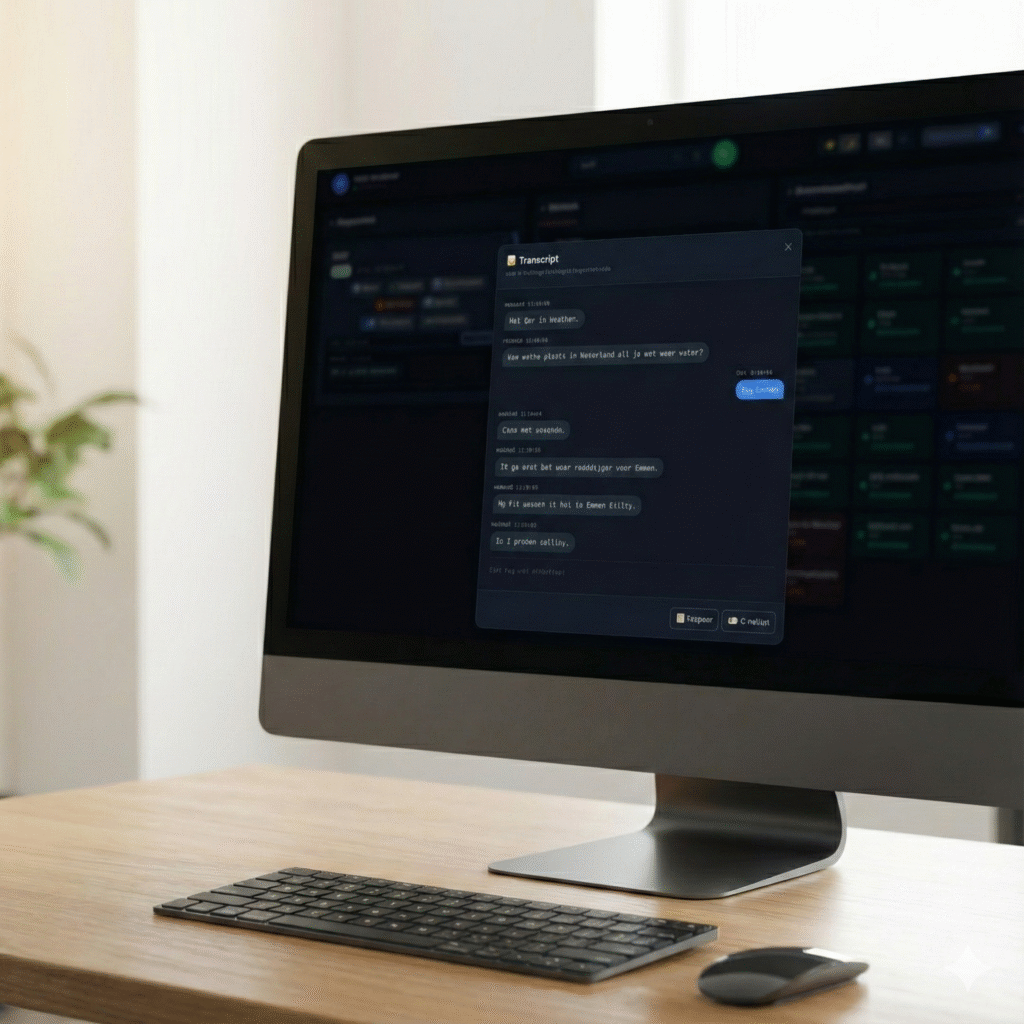
Switch on transcription for a call and the conversation appears as text while you talk — both sides clearly labelled. Afterwards the transcript is right there with the call.
A full desk-phone replacement
You don't need a desk phone anymore.
Place and receive calls, hold, mute and use the keypad.
Learn moreAttended (announced) or direct transfer in two clicks.
Learn moreHandle call waiting and switch between calls.
Learn moreSearchable history with filters and one-click call-back.
Learn moreClick a number — or a tel: link on any web page — to dial.
See who's available and change your own status.
Learn moreBLF buttons and speed dials, just like a desk phone.
Learn moreSecure WSS signalling and DTLS-SRTP encrypted audio.
Compatibility
Any phone system with a secure websocket (WSS) and WebRTC-enabled extensions works. Step-by-step guides are available for the most popular platforms.
Also compatible with Issabel, Kamailio and FreeSWITCH. See full compatibility →
Whether you run a single office or a platform with thousands of seats, WebRTC Client fits the way you already work.
Connect your existing phone system and start calling from the browser. Keep your PBX and your telephony provider.
Learn moreSell a browser-based VoIP solution under your own brand. Add companies and users in minutes.
Learn moreRun the complete multi-tenant, white-label platform in your own cloud.
Learn moreThe new WebRTC Client adds multiple lines, live AI transcription, an AI assistant, voicebot monitoring and a queue overview — all in the browser.
Compare the practical considerations of a browser softphone and a desktop application such as Bria.
Use the Click2Tel Chrome extension to send phone numbers from tel links to your WebRTC Client dialer.
AI call summaries, searchable conversations and more are on the way. Get in touch to join early access, or to talk about a partner or service-provider licence.