WebRTC Client handles multiple lines, just like a professional desk phone. Take a second call while you're on the phone, switch between conversations and transfer the right call to the right colleague — all from the calls panel in your browser.
How it works
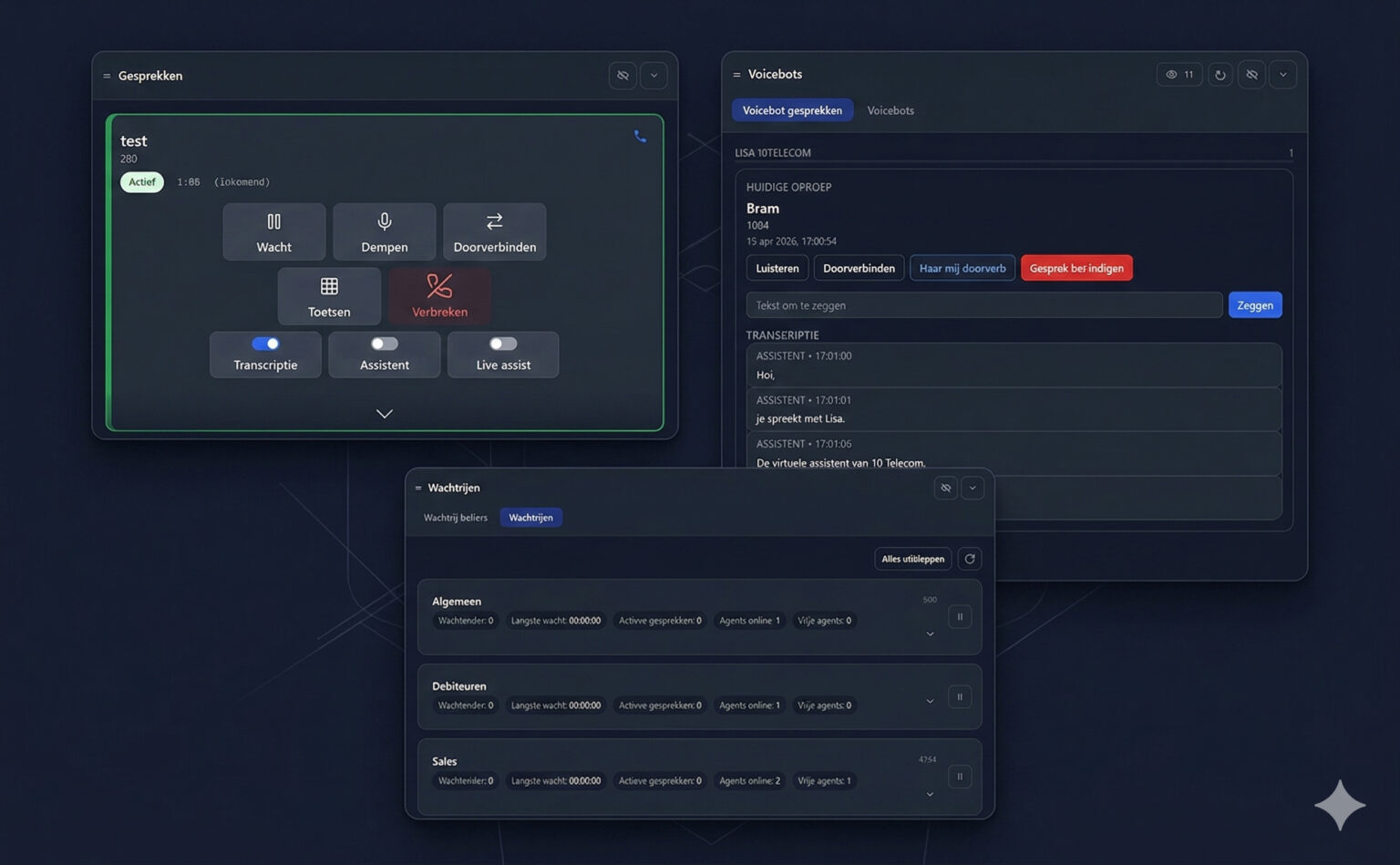
- Every call gets its own card in the Calls panel, showing the name, number, state (for example Active), duration and direction.
- Call waiting — a new incoming call appears while you're on the phone. Answer it and the current call goes on hold.
- Switch between calls — pick up the call you want; the other one stays on hold.
- Per-call controls — hold, mute, transfer, keypad and hang up on every call card.
- Per-call AI toggles — switch Transcription, Assistant and Live assist on or off for each call separately. See live AI transcription.
Who decides?
Whether a user may receive a second call is set with the call waiting option in policies. Call-centre agents can be limited to one call at a time; receptionists can handle several lines.
Related
- Call features — transfer, hold, mute, history
- Queues — see what's waiting before it reaches you