The foundation of any reliable communication platform is its basic call handling. WebRTC Client gives every user the tools they know from a desk phone, in a clean browser interface that needs no training.
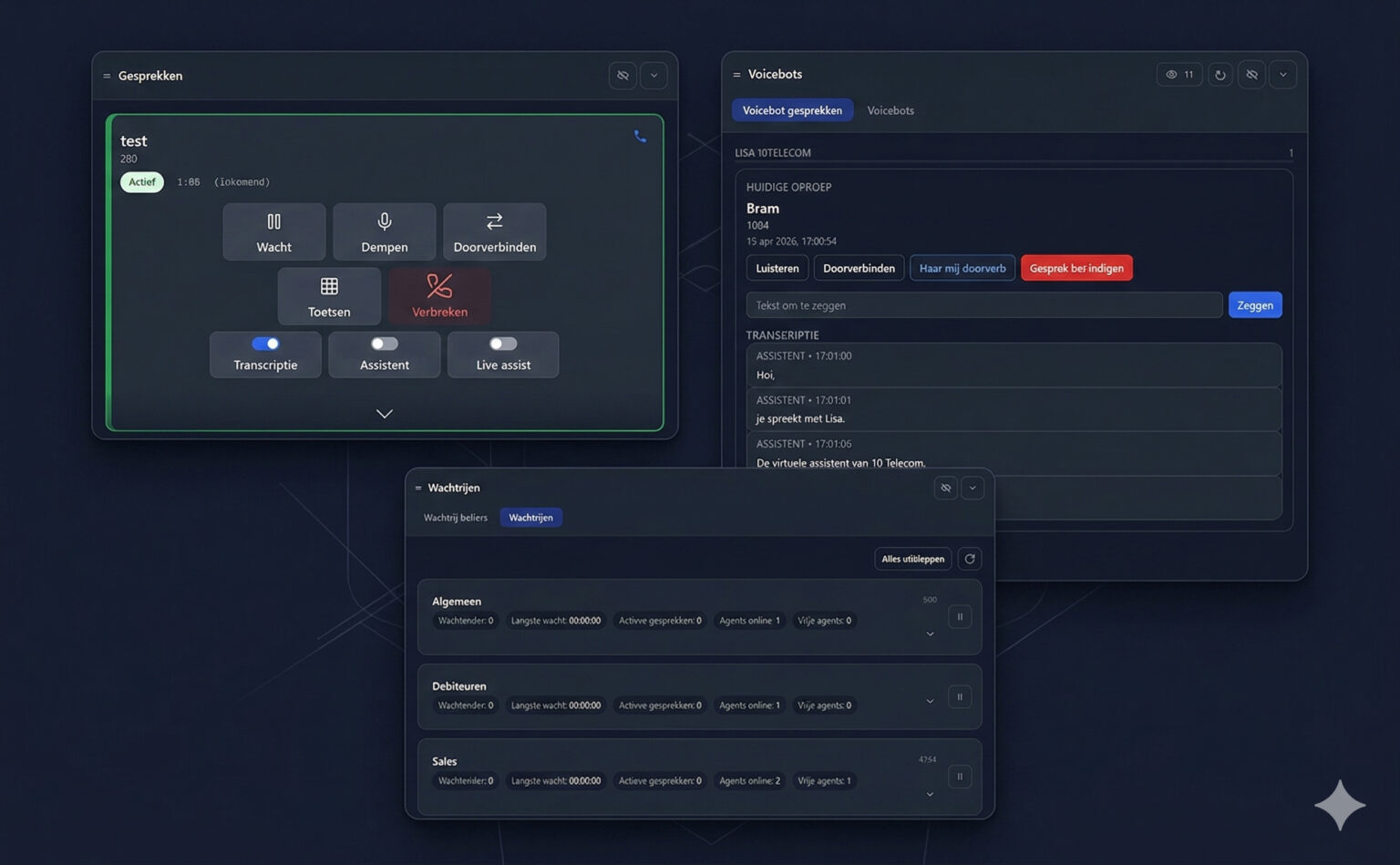
Calling
Start a call with a single click on a contact, a presence button or a call-history entry — or type the number in the dialer. Incoming calls show a browser notification, so you never miss one while working in another tab.
Multiple lines
Take a second call while you're on the phone and switch between calls. Each call has its own card with its own controls. More about multiple lines.
Call transfer
Connect a caller to another department or colleague without hassle. WebRTC Client supports both transfer types:
Attended transfer
Speak with the recipient first, then complete the transfer. Use it when you want to be sure the colleague is available and prepared to take the call.
Unattended (direct) transfer
Send the call straight to another extension or phone number without announcing it. Ideal for quickly routing callers to the right person or team.
Hold
Put a caller on hold and pick the call up again whenever you are ready to continue the conversation.
Mute
Silence your microphone with one click — to cut background noise or have a quick word with a colleague.
Dial pad
A built-in keypad for entering numbers, navigating IVR menus and typing access codes during conference calls (DTMF).
Redial
Call back the last dialed number instantly, or redial any entry from the call history.
Call history
All incoming, outgoing and missed calls in one list, with search and filters (all, incoming, missed, outgoing) and one-click call-back.
Reject a call
Not every call can be answered right away. Reject it and the PBX sends it to voicemail or another pre-configured destination.