New in WebRTC Client: multiple lines and live AI transcription
The new WebRTC Client adds multiple lines, live AI transcription, an AI assistant, voicebot monitoring and a queue overview — all in the browser.
Seven common desktop softphone support problems and how central management can help.
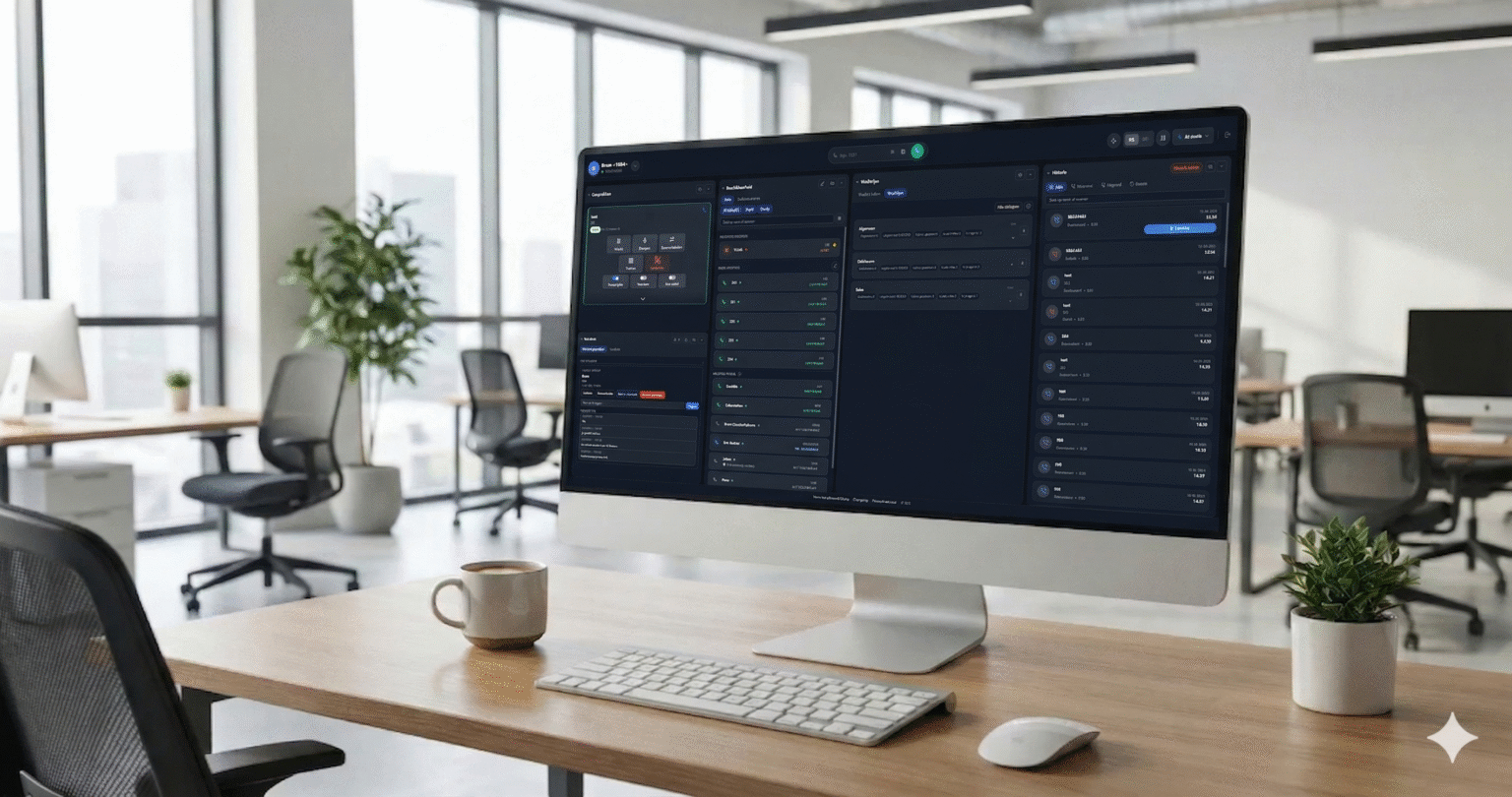
Desktop softphones can create recurring support work when each user must install, configure and maintain an application. Seven common problems range from incorrect SIP credentials to unexpected changes in licensing.
A new user may face a screen full of unfamiliar settings. Even when only a SIP username, password and server are needed, identifying the right fields can lead to a support call or remote assistance.
A copied space, line break or mistyped password can prevent registration. Repeated failed attempts may trigger a PBX security tool such as Fail2ban. If an office shares a public IP address, a resulting block can affect other users too.
Supplying credentials and helping users across Windows, macOS and Linux devices takes time. At scale, forgotten passwords, replacement computers and reinstalls can turn small tasks into a steady stream of requests.
Some desktop applications keep contacts, call history or presence settings on the computer. A crash or reinstall can lead to an uncomfortable conversation:
User: Are all my contacts gone? Support: Yes. Did you make a backup? User: I thought the phone system ran in the cloud. Support: It does, but your softphone and contacts were stored locally. User: What about my call history?
The answer depends on where each application stores its data and whether it was backed up.
A product that appears free may have a trial period, calling limits or terms limited to personal use. Discovering a restriction after deployment can interrupt a team's workflow.
Users may need help deciding when to update. An update can also change system requirements or licensing, leaving administrators to assess compatibility and explain the change.
Even when a provider only recommends a free application, customers may return to that provider if its business model changes. A recommendation can create expectations of ongoing help that were never agreed.
WebRTC Client provides a browser dialer and a multi-tenant management portal. Central administration can reduce individual setup and credential handling for problems 1 and 2, and organize users across customers for problem 3. A web phonebook and centrally managed configuration reduce reliance on a single computer for problem 4; administrators should still verify storage and backup arrangements for each kind of data. For problems 5–7, managing a chosen service centrally makes it easier to review its terms, coordinate changes and set support expectations. It cannot prevent every licensing or update change, but it gives the provider a clearer place to manage the service.
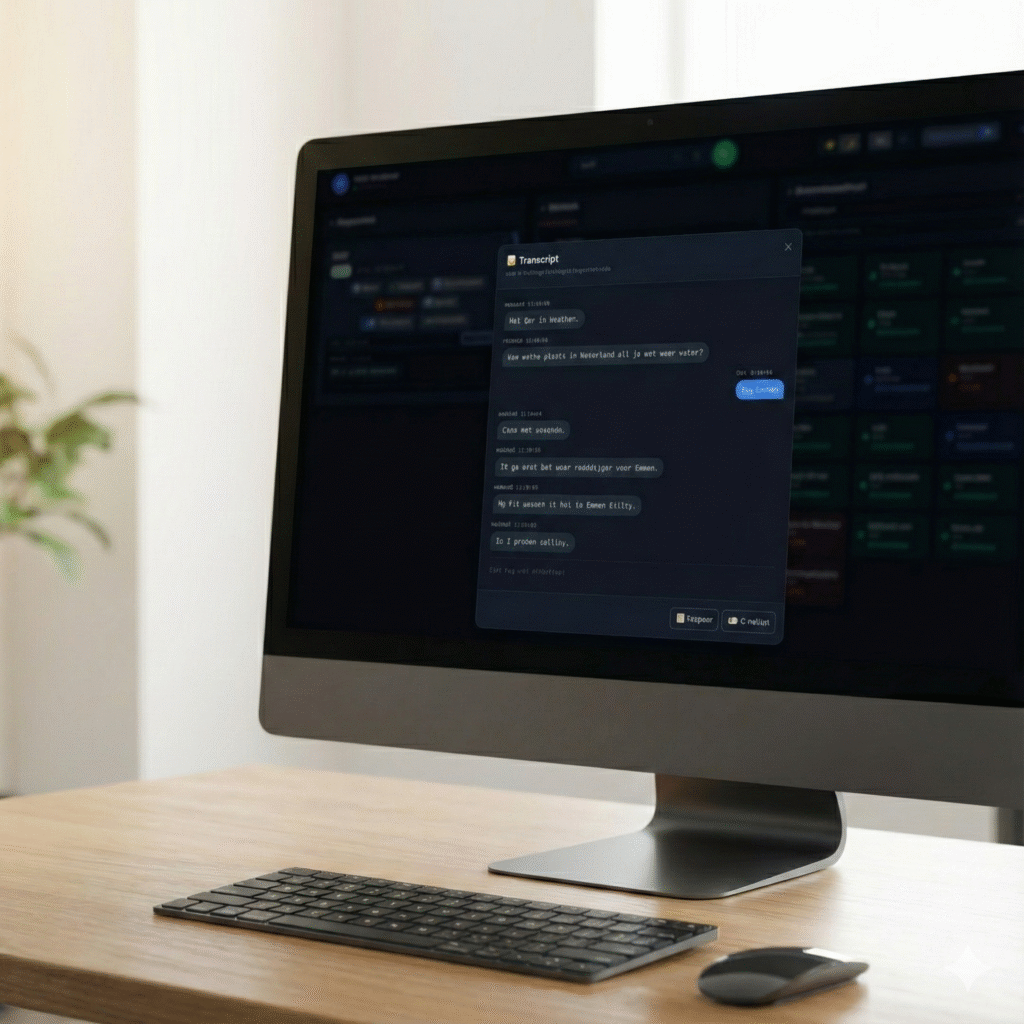
The new WebRTC Client adds multiple lines, live AI transcription, an AI assistant, voicebot monitoring and a queue overview — all in the browser.
Compare the practical considerations of a browser softphone and a desktop application such as Bria.
Use the Click2Tel Chrome extension to send phone numbers from tel links to your WebRTC Client dialer.