New in WebRTC Client: multiple lines and live AI transcription
The new WebRTC Client adds multiple lines, live AI transcription, an AI assistant, voicebot monitoring and a queue overview — all in the browser.
Use the Click2Tel Chrome extension to send phone numbers from tel links to your WebRTC Client dialer.
A tel: link is a phone-number link on a web page. The Click2Tel Chrome extension can copy its number into the WebRTC Client dialer, saving users from retyping it before placing a call.
Use Google Chrome with the Click2Tel extension, an open WebRTC Client dialer and an account connected to a working PBX extension. Your browser also needs access to a microphone and a suitable speaker or headset. Your administrator can help if the dialer is not registered or calling is unavailable.
A link must actually use the tel: scheme for this workflow. A phone number displayed as ordinary text is not necessarily a clickable telephone link. A typical link target looks like tel:+31123456789.
tel: link on a web page and click it. A small popup displays the number.The link transfers a number into the calling workflow; it does not replace the PBX or guarantee that a destination can be reached. Dialing permissions and routing remain subject to your phone system's configuration.
Clicking a link avoids copying or retyping a number and can reduce dialing mistakes. It can also make the workflow easier for someone who has difficulty entering numbers manually. A useful link displays a recognizable number and uses a complete dialing format appropriate for its audience.
If the number does not reach the dialer, check that the extension is enabled, Chrome has been restarted, the dialer is open and the link uses tel:. Then check your extension's registration and audio settings before trying a test call. See click-to-call features and the quick-start guide for related setup information.
tel: link identifies a phone number for a calling application.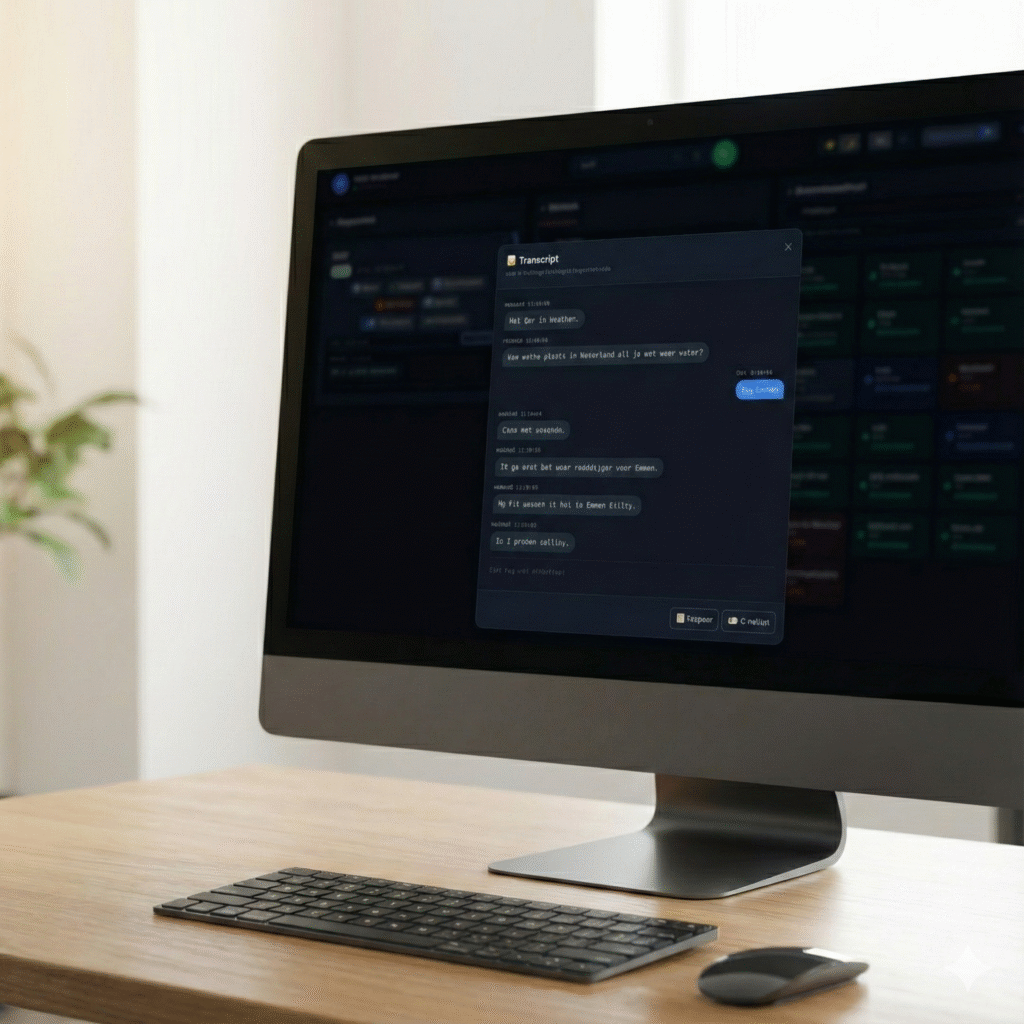
The new WebRTC Client adds multiple lines, live AI transcription, an AI assistant, voicebot monitoring and a queue overview — all in the browser.

Compare the practical considerations of a browser softphone and a desktop application such as Bria.
Learn how a WebRTC client registers with Asterisk and brings business calling to a browser.