New in WebRTC Client: multiple lines and live AI transcription
The new WebRTC Client adds multiple lines, live AI transcription, an AI assistant, voicebot monitoring and a queue overview — all in the browser.
Compare the practical considerations of a browser softphone and a desktop application such as Bria.
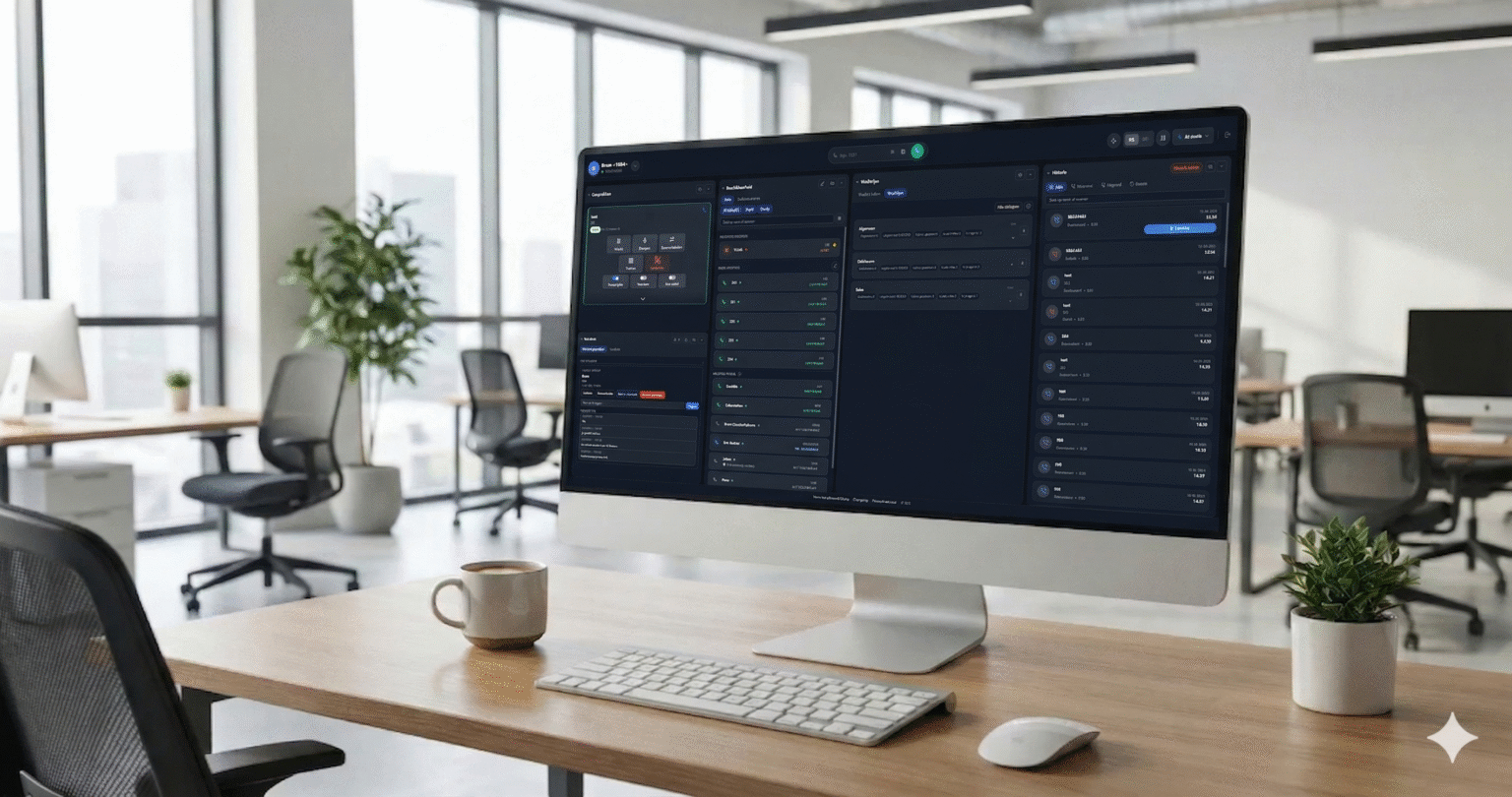
WebRTC Client is a browser-based softphone for organizations looking for an alternative to desktop applications such as Bria. It connects to a compatible existing PBX and adds a central portal for managing customers and users.
Bria is a desktop softphone option. A desktop application and a browser softphone can both provide a way to use a phone system from a computer, but their deployment and administration models differ. The right choice depends on the features, operating systems, support arrangements and terms an organization needs.
WebRTC Client runs its dialer in a compatible browser, so users do not need a separate desktop softphone application for the calling interface. They do need network access, an audio device, microphone permission and a correctly configured PBX connection. Browser settings and network conditions still affect the experience.
WebRTC Client uses SIP over WebSocket to connect to compatible PBX systems. The PBX continues to handle its configured extensions and routing; the client provides the browser interface for calling. Supported platforms include Asterisk, FreePBX, VitalPBX, MirtaPBX, Issabel, Kamailio and FreeSWITCH. Review the compatibility information and confirm the configuration needed for your system.
A browser dialer can bring common tasks into the same workspace. WebRTC Client offers presence buttons and speed dials, a web phonebook with CSV support, and a Chrome extension that sends tel: link numbers to the dialer. Yealink, Poly and Jabra headset call control is also supported. The call features page describes more of the calling workflow.
The portal organizes administration from system administrator to reseller, customer and user. Providers can use policies and white-label branding as part of their service. This can be useful when supporting several customer organizations and their users; see multi-tenant management for details.
Before choosing any softphone, test a representative extension, audio device and network. Compare the features and support terms that matter to your team, and check how users and settings will be managed over time. The next generation of WebRTC Client is in development, with more to come.
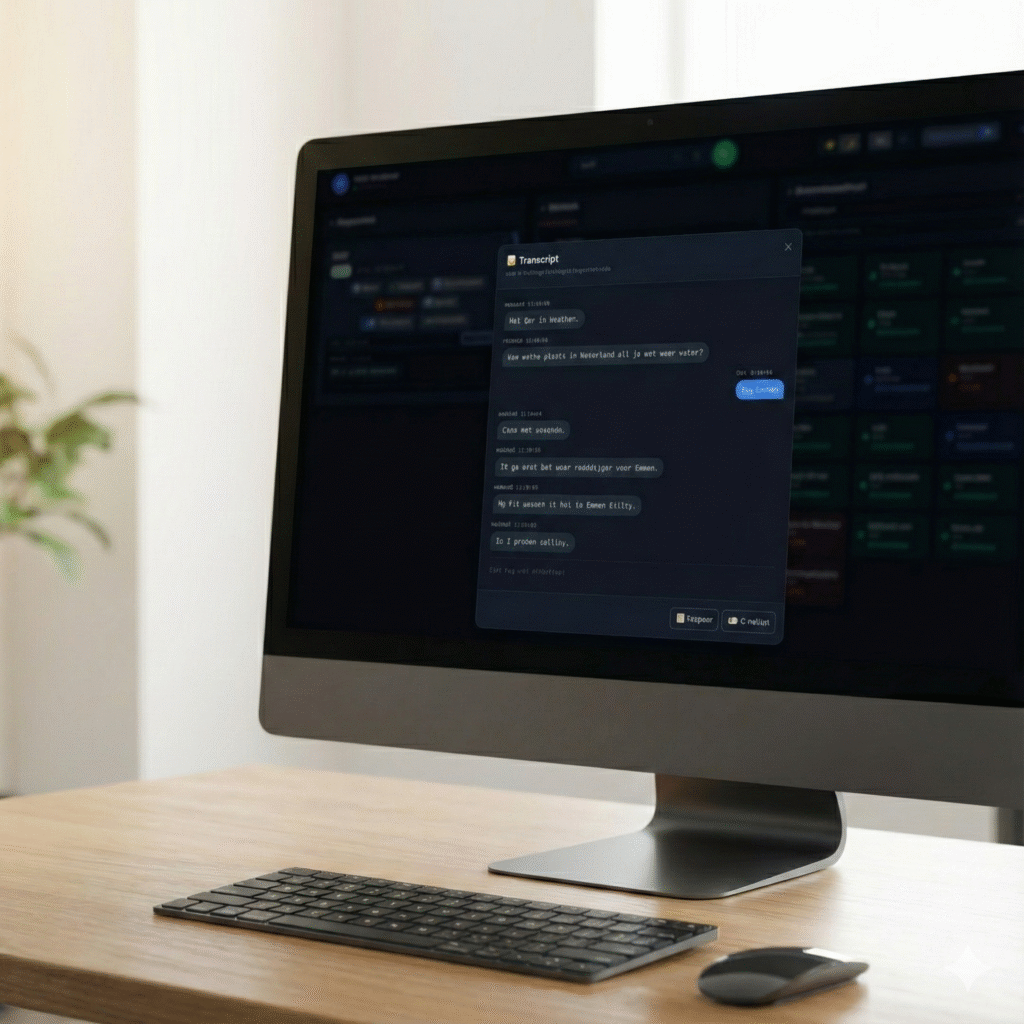
The new WebRTC Client adds multiple lines, live AI transcription, an AI assistant, voicebot monitoring and a queue overview — all in the browser.
Use the Click2Tel Chrome extension to send phone numbers from tel links to your WebRTC Client dialer.
Learn how a WebRTC client registers with Asterisk and brings business calling to a browser.