A browser-based alternative to desktop softphones like Bria
Compare the practical considerations of a browser softphone and a desktop application such as Bria.
The new WebRTC Client adds multiple lines, live AI transcription, an AI assistant, voicebot monitoring and a queue overview — all in the browser.
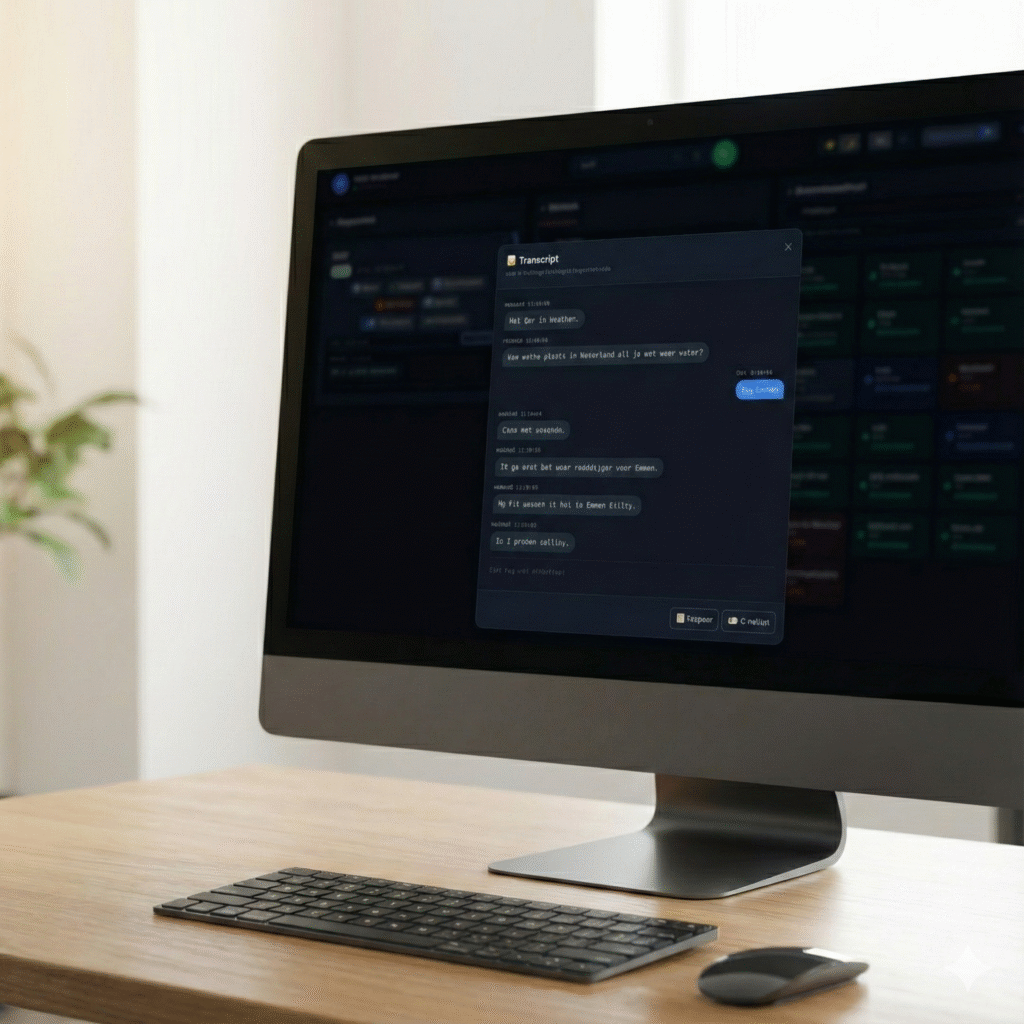
The new version of WebRTC Client brings multiple lines, live AI transcription and a clear overview of queues and voicebots to the browser. Calling without desk phones or installations was already possible; now you also see — and read — what's happening on every call.
Take a second call while you're on the phone and switch between conversations. Every call gets its own card in the calls panel with hold, mute, transfer, keypad and hang-up — and its own AI toggles. More about multiple lines.
Switch on Transcription for a call and the conversation appears as text while you talk, with both sides labelled and timestamped. You always know what was discussed, without taking notes. Transcription is optional and administrators control it per tenant with policies. More about live transcription.
Next to transcription, each call card has toggles for the Assistant and Live assist, so AI can support you during the conversation.
When an AI voicebot answers your callers, the Voicebots panel shows each live conversation with its transcript. Listen in, transfer the caller, take the call over yourself, end it — or type a sentence for the bot to say. More about voicebots.
The Queues panel shows callers waiting, the longest wait, active calls, agents online and free agents per queue. Agents pause a queue or log out of all queues in one click. More about queues.
Presence and your own status, BLF speed dials, call history with filters, click-to-call, and end-to-end encrypted connections to Asterisk, FreePBX, VitalPBX, MirtaPBX and other compatible systems.
AI call summaries with action items and searchable conversations are next. Follow the roadmap or contact us for early access.

Compare the practical considerations of a browser softphone and a desktop application such as Bria.
Use the Click2Tel Chrome extension to send phone numbers from tel links to your WebRTC Client dialer.
Learn how a WebRTC client registers with Asterisk and brings business calling to a browser.