New in WebRTC Client: multiple lines and live AI transcription
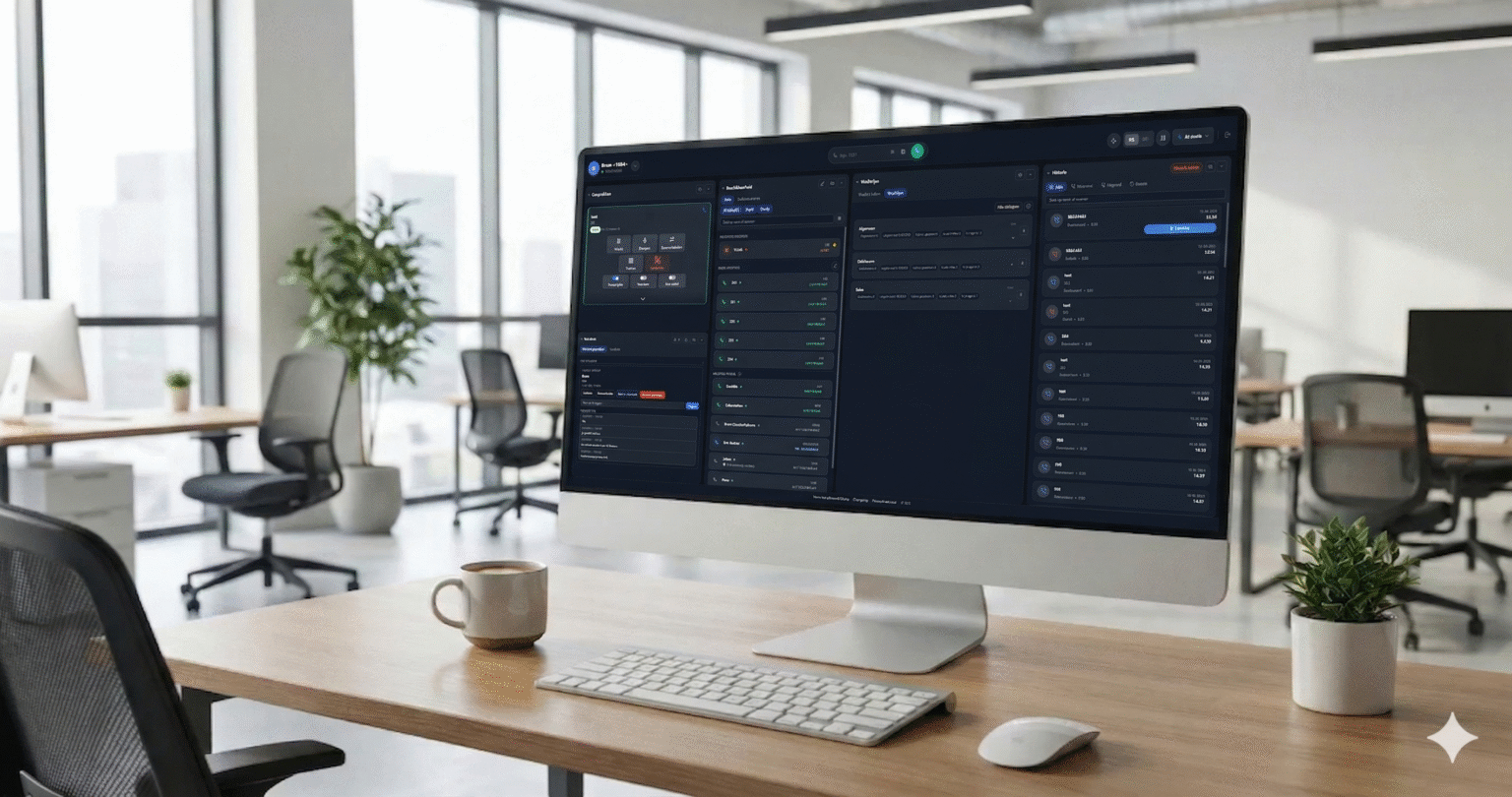
The new WebRTC Client adds multiple lines, live AI transcription, an AI assistant, voicebot monitoring and a queue overview — all in the browser.
Learn what WebRTC does and how a browser-based softphone connects it to a PBX for business calling.
WebRTC stands for Web Real-Time Communication. It is a collection of open web technologies that lets applications exchange real-time media and data through compatible browsers; a softphone can use it to carry voice calls.
WebRTC gives web applications tools for real-time audio, video and data exchange without requiring a separate browser plugin. It is supported by modern browsers, although the experience and available capabilities depend on the browser and application. Applications built on WebRTC can support uses such as voice conversations, video meetings or collaborative tools.
WebRTC is a technology, not a complete phone system. An application still needs a way to arrange a connection, manage users and provide a usable interface. For business telephony, it also needs to connect to a PBX or a VoIP service that can handle extensions and route calls.
A browser softphone brings WebRTC and VoIP together. WebRTC Client uses WebRTC for browser audio and SIP over WebSocket to communicate with an existing compatible PBX. The PBX handles its configured extensions and call routing, while the browser presents the dialer to the user.
An administrator must configure the PBX and connection correctly. Users also need a suitable browser, a network connection and an audio device. The browser will ask for microphone permission; users may also need to select the right microphone and speaker or headset.
See the compatibility overview for supported PBX platforms and the quick-start guide for a starting point.
A business phone needs more than a way to enter a number. WebRTC Client also offers presence buttons and speed dials, a web phonebook, click-to-call and management tools. These features bring everyday calling tasks into the browser while the existing PBX continues to provide the phone system.
The management portal supports a hierarchy from system administrator through reseller and customer to user. This can help service providers organize access and administration across customers. Explore the features to see the broader set of tools.

The new WebRTC Client adds multiple lines, live AI transcription, an AI assistant, voicebot monitoring and a queue overview — all in the browser.
Compare the practical considerations of a browser softphone and a desktop application such as Bria.
Use the Click2Tel Chrome extension to send phone numbers from tel links to your WebRTC Client dialer.